
Balance
Calendar, tasks, date, and context together.
Arrange calendar context, weather, time, notes, and selected Notion tasks around the way you work.
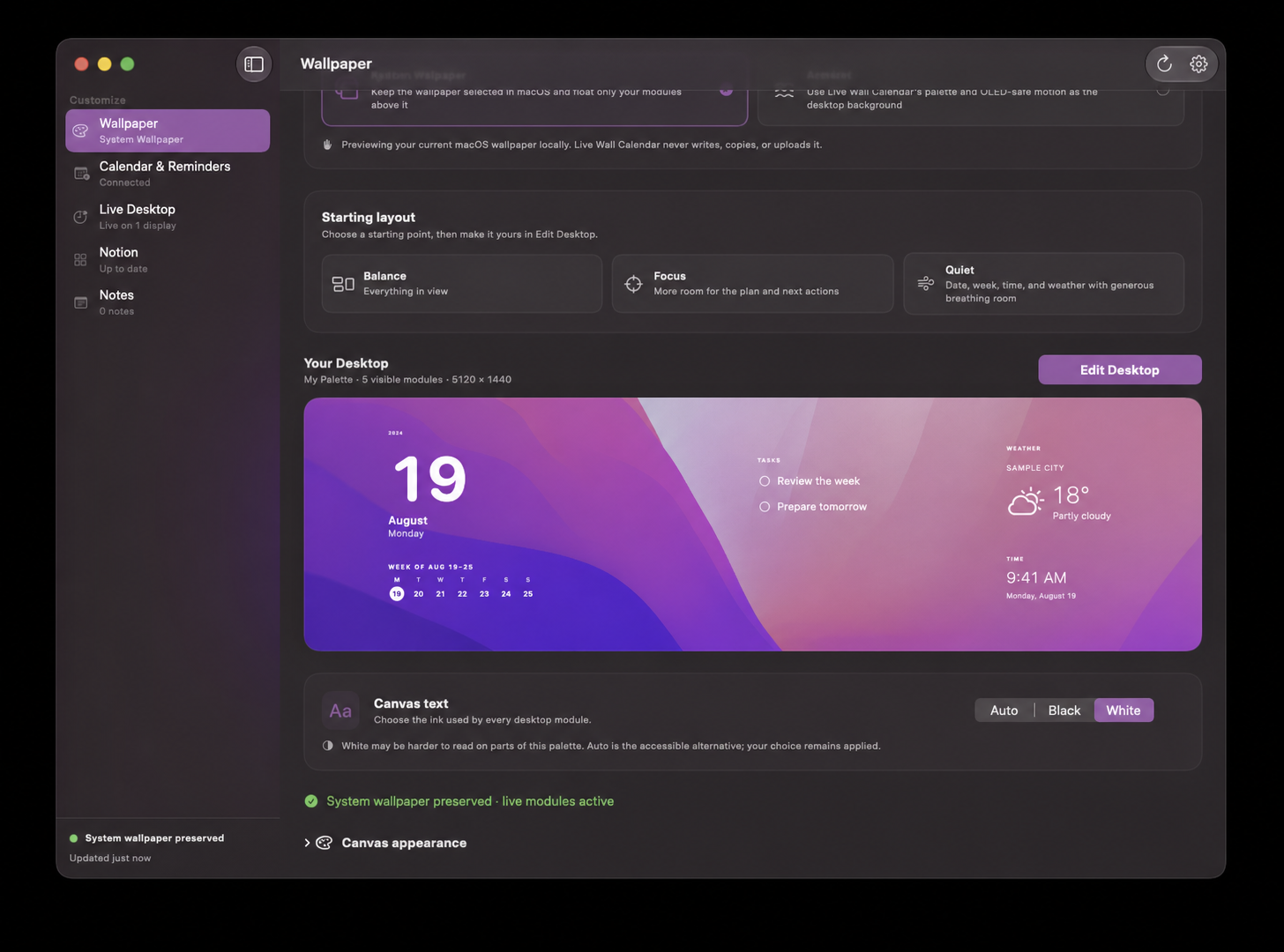
Start composed
Choose a designed starting point, then move, resize, hide, undo, or restore. The same Canvas plan drives the app preview and the live desktop.
Calendar, tasks, date, and context together.
More room for the plan and next actions.
Date, week, time, and weather with space.
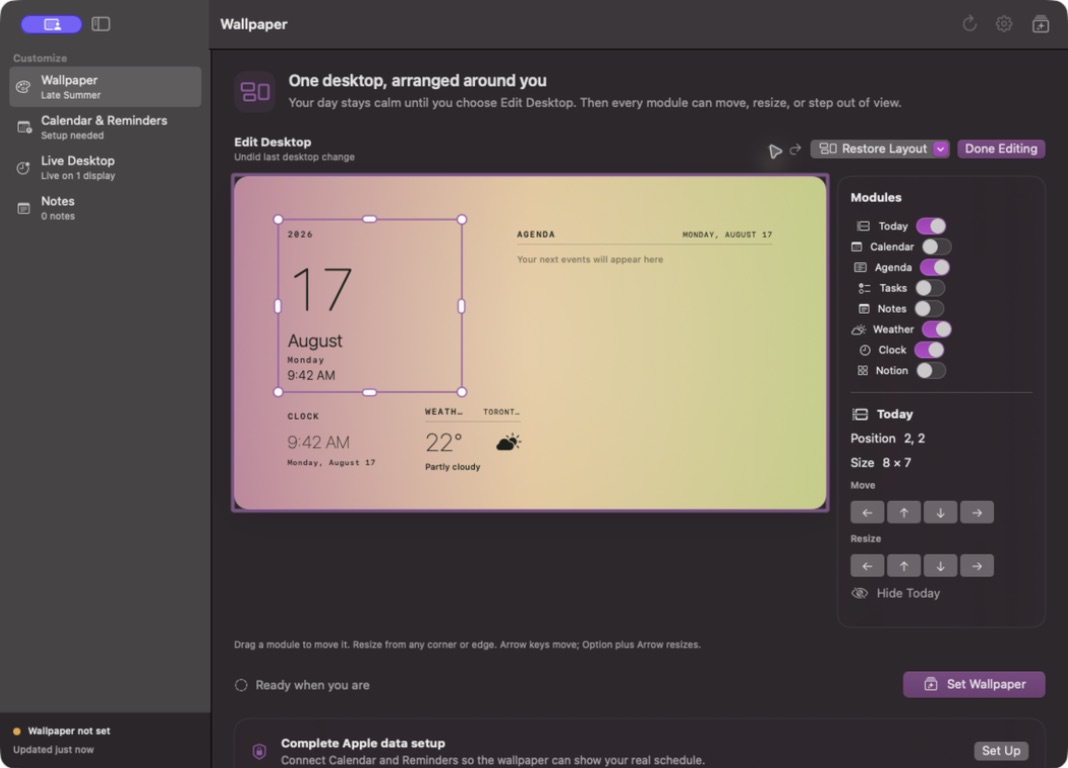
One Canvas
Large date, weekday, month, year, and a compact week strip.
A month view with a high-contrast selected day.
Selected Apple Calendar events, grouped into today and tomorrow.
Selected Reminders lists with deliberate add, reschedule, and complete actions.
Optional Apple Weather with local caching and attribution.
A dedicated time module, separate from the date.
Private local notes with only titles placed on the desktop.
Selected workspace tasks with safe completion-only checkboxes.
Background ownership
Float the Canvas above the image selected in macOS, or explicitly choose a slow ambient color field. System Wallpaper mode never takes the background back from you.
Read-only local preview. Transparent live modules above your existing image.
Violet, magenta, orange, and your own three-color favorites in a slow OLED-conscious drift.
Connect only what helps
Choose the calendars and lists that belong on this desktop. Permissions remain independent and can be changed in macOS.
Approve selected pages in the browser, choose a database, and complete only a safely mapped status or checkbox property from the desktop.
Use a city or a coarse automatic location with Apple WeatherKit, an hour-long cache, and a stale offline fallback.
Keep notes inside the app and decide whether their titles belong on the Canvas.
No advertising. No tracking. No third-party analytics SDK.
Canvas appearance
Every display keeps its own layout and appearance. The Canvas automatically respects the menu bar, Dock, display geometry, and the space reserved for desktop controls.
Made for a real Mac
A living desktop for calendar context, weather, notes, and the tasks you choose.
Mac App Store release in preparation